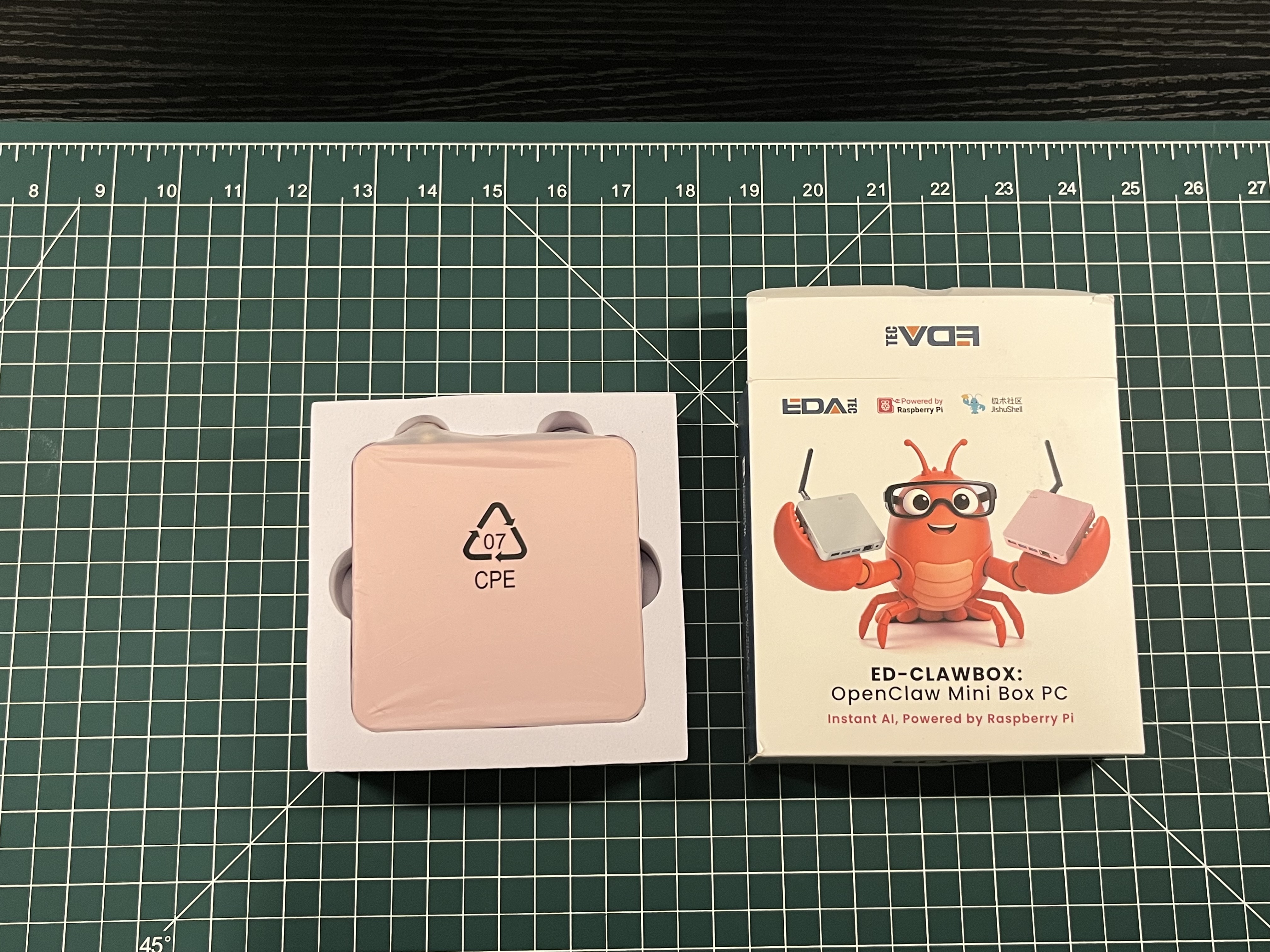
There is no mistaking the theme. EDATEC’s box introduces the ED-CLAWBOX with a bright red clawed mascot, Raspberry Pi branding, and the promise of “Instant AI.”
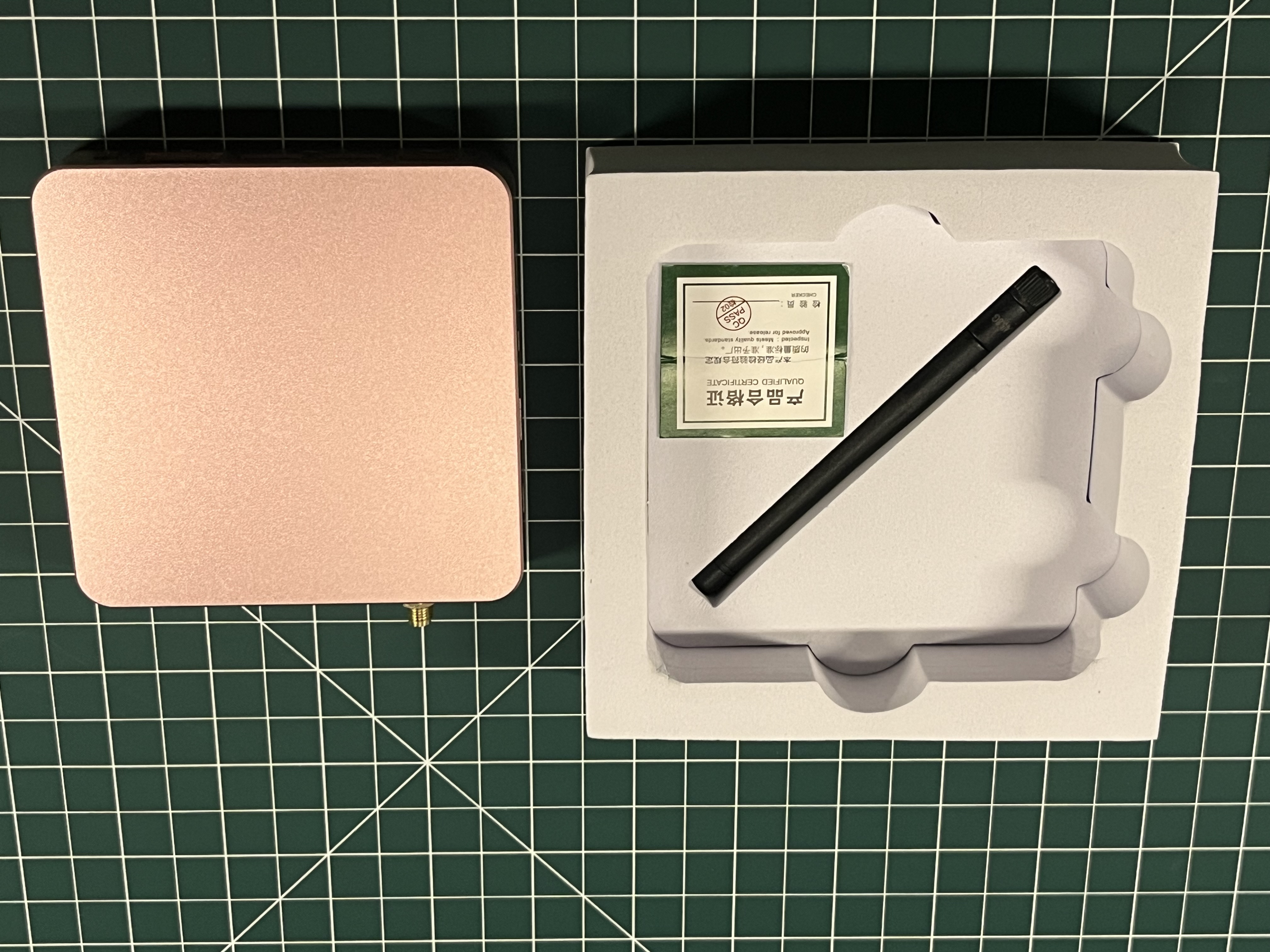
The computer comes in a foam tray under a protective sleeve. Beneath it, our package included a screw-on antenna and a small quality-control card. The essentials are neatly packed, with no pile of leaflets or extra pieces to sort through.
A compact aluminum enclosure
The ED-CLAWBOX itself is a small square of aluminum with softly rounded corners. Our review unit has a warm metallic top and a darker lower shell. The lid is unbranded, giving the enclosure a fairly conventional desktop appearance despite the themed packaging.
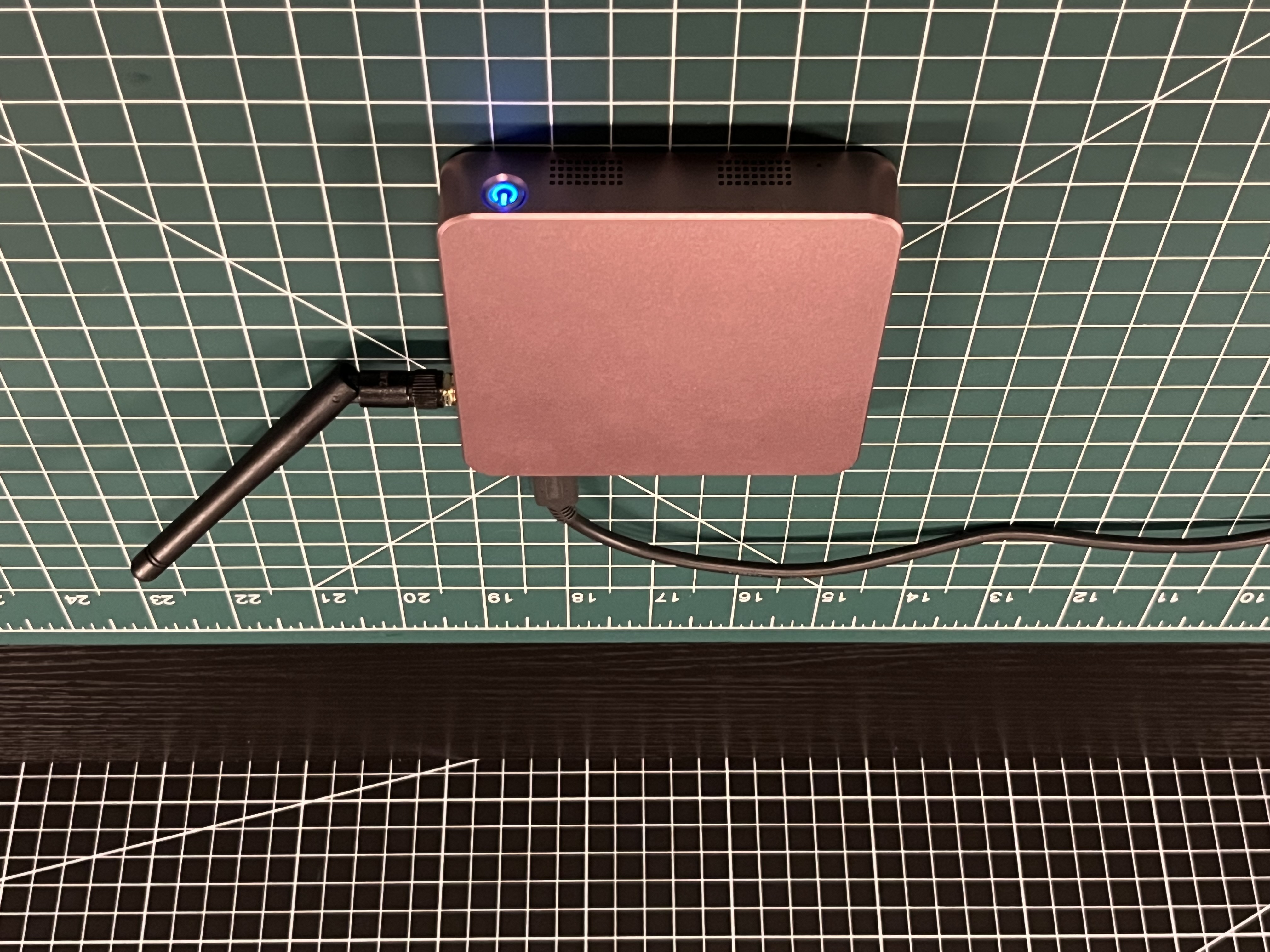
The antenna threads onto the connector by hand. Once fitted, it adds some height to the setup, but the hinged base makes it easy to angle out of the way. Vent openings run along the lower edge, and the illuminated power button is easy to spot from across the desk.
A straightforward port layout
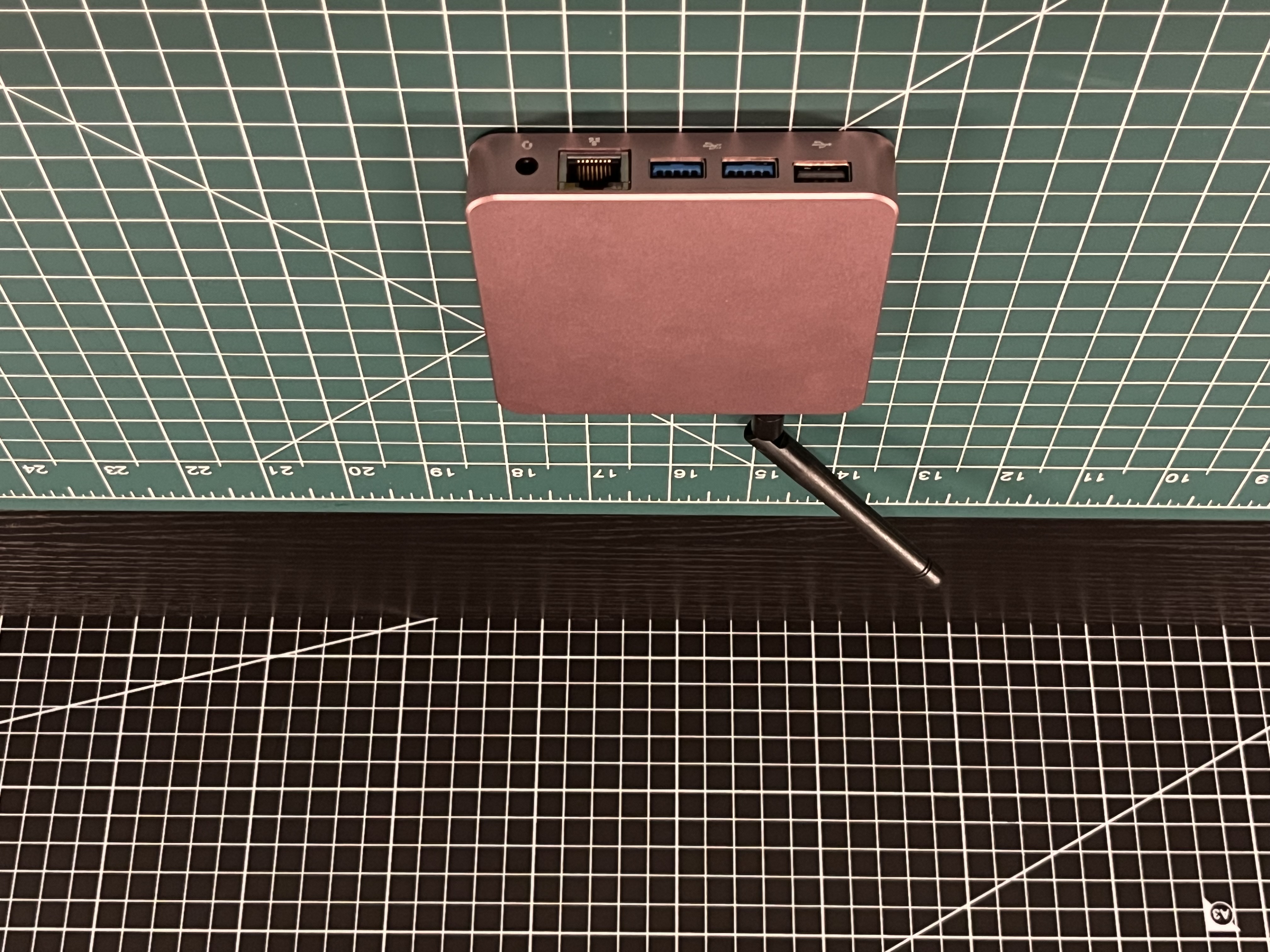
The main I/O panel is clearly labeled. Our unit provides one USB 2.0 port, two USB 3.0 ports, Gigabit Ethernet, and a 3.5 mm audio jack. The USB-C power input, standard HDMI output, micro HDMI output, and microSD card slot are located on the rear panel.
Nothing about the physical setup felt difficult. For this initial setup, I used a Nintendo Switch AC adapter that I had available. Its 5V/1.5A mode was enough to boot the unit, although EDATEC recommends the Raspberry Pi 27W USB-C power supply. I would use the recommended supply for regular operation and load testing.