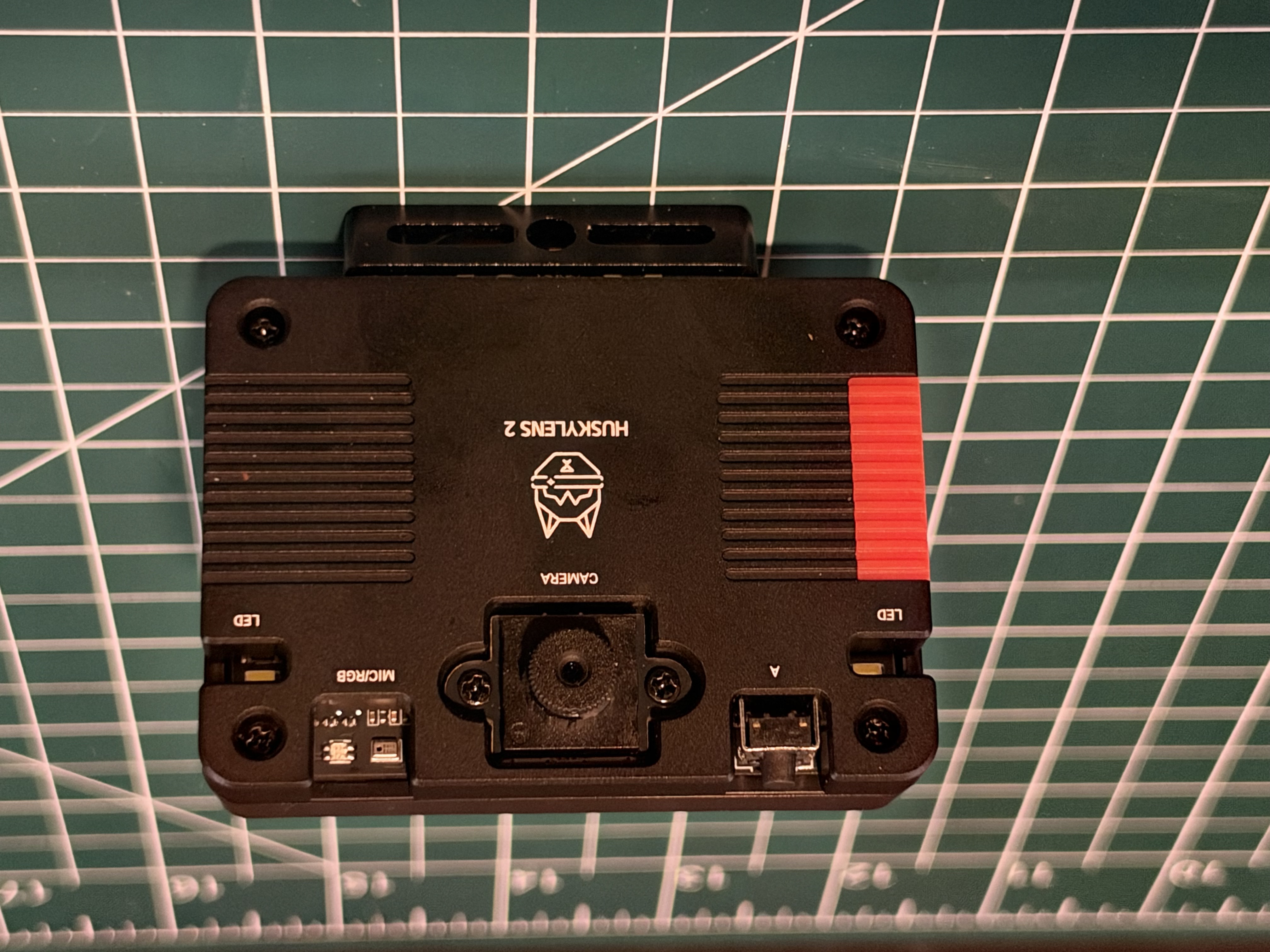
The HUSKYLENS 2 puts a camera, touchscreen, and on-device vision processing into a compact enclosure. Its built-in features offer a starting point for experimenting with machine vision in practical projects.
Our review begins with the hardware in hand: unpacking the Plus Kit, fitting its Wi-Fi module, and powering it up. Later, we hope to explore whether a built-in feature can detect visitors to a backyard birdhouse.
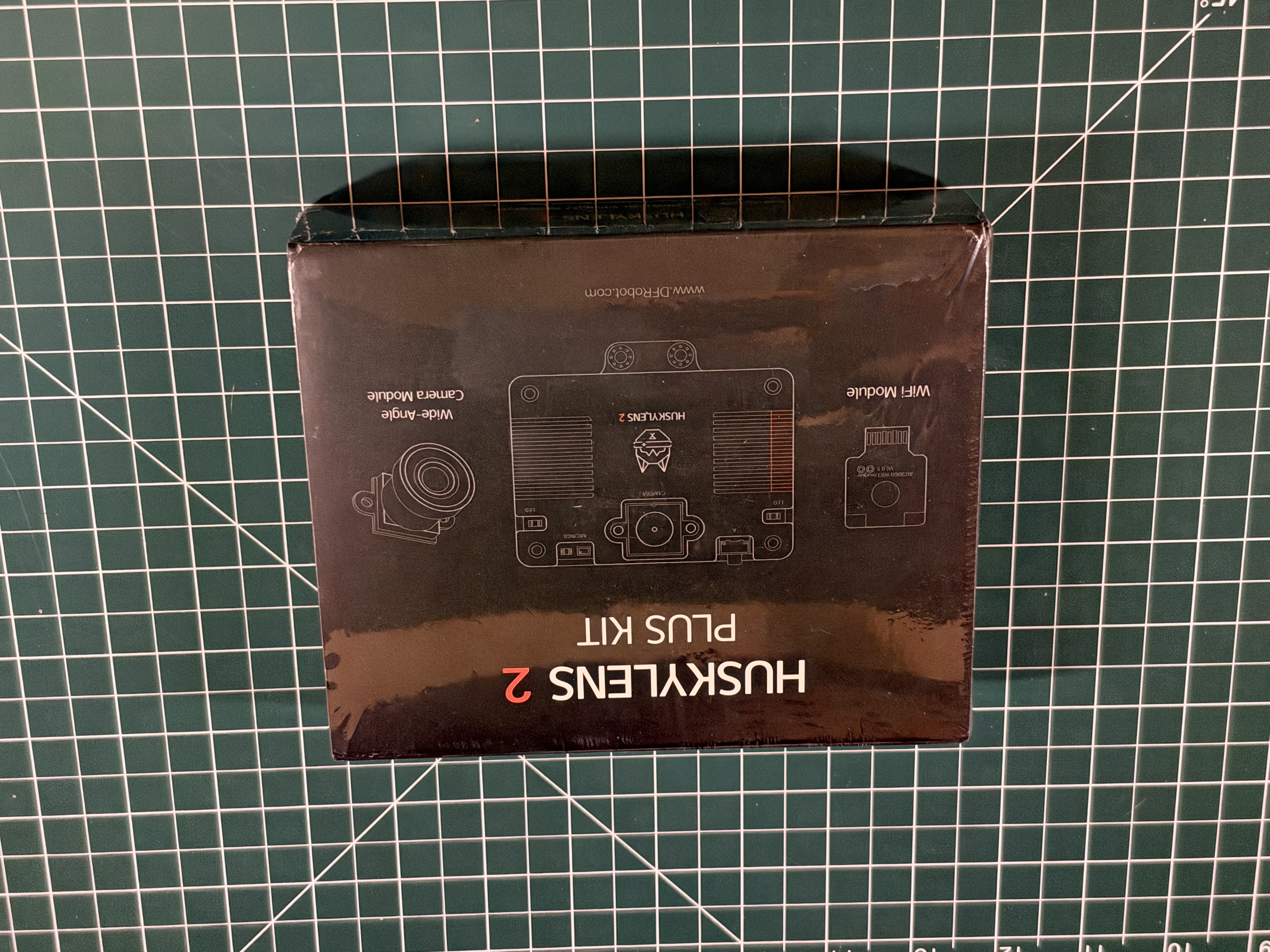
Inside the package
The Plus Kit on our bench
Our review package includes the HUSKYLENS 2, a Wi-Fi module, camera accessories, mounting hardware, cables, a screwdriver, and a quality-control card. Part 1 follows the unpacking and installation in photos.
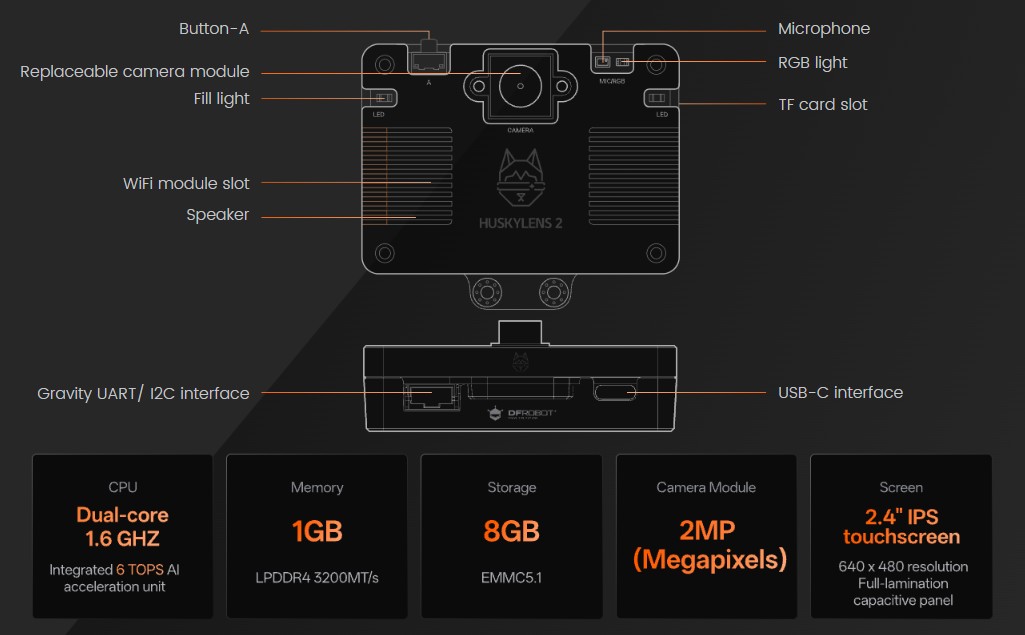
A quick look at the hardware
A map of the hardware
Product links
Learn more about the HUSKYLENS 2
Read the review
More installments will follow as we explore the camera’s features.
Review disclosure
DFRobot provided the HUSKYLENS 2 used for this review. This is a developing review; our first installment covers unpacking, hardware installation, and first boot.